
- Choose Preview in the editor to inspect the screen without the editing controls.
- Use the screen selector to check each screen in the menu. If you configured several screens to view together, check their order and spacing as well.
- Look for clipped text, hard-to-read prices, missing artwork, and content near screen edges.
- Choose Back to editor to make corrections.
Preview helps you check the work before publishing. The connected display continues to show the published menu until you publish a newer draft.
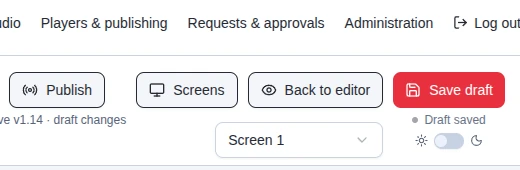
In Preview mode, use the screen selector to inspect each screen. This crop is from the supplied MenuStudio screenshot.