
Choose a screen, then add the items it needs:
- Choose Add image to screen to upload artwork, or select an image already stored in Files.
- Use the editor toolbar to add text or a price, then enter the wording or amount.
- Drag items into place. Select an item to adjust its appearance and position.
- Repeat for each screen. Check that names and prices are easy to read from where guests will view the display.
The editor's grid and snapping guides help line up items as you move them. Turn on the grid when you want a visual guide; you can still position content by eye. Small adjustments are easier after zooming in.
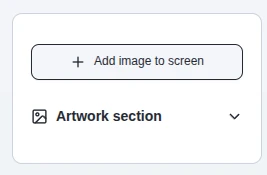
The editor's artwork panel. This crop is from the supplied MenuStudio screenshot.

The editing toolbar above the screen canvas.